- Published on
Refine Your Cutout with the Removebg Mask Editor
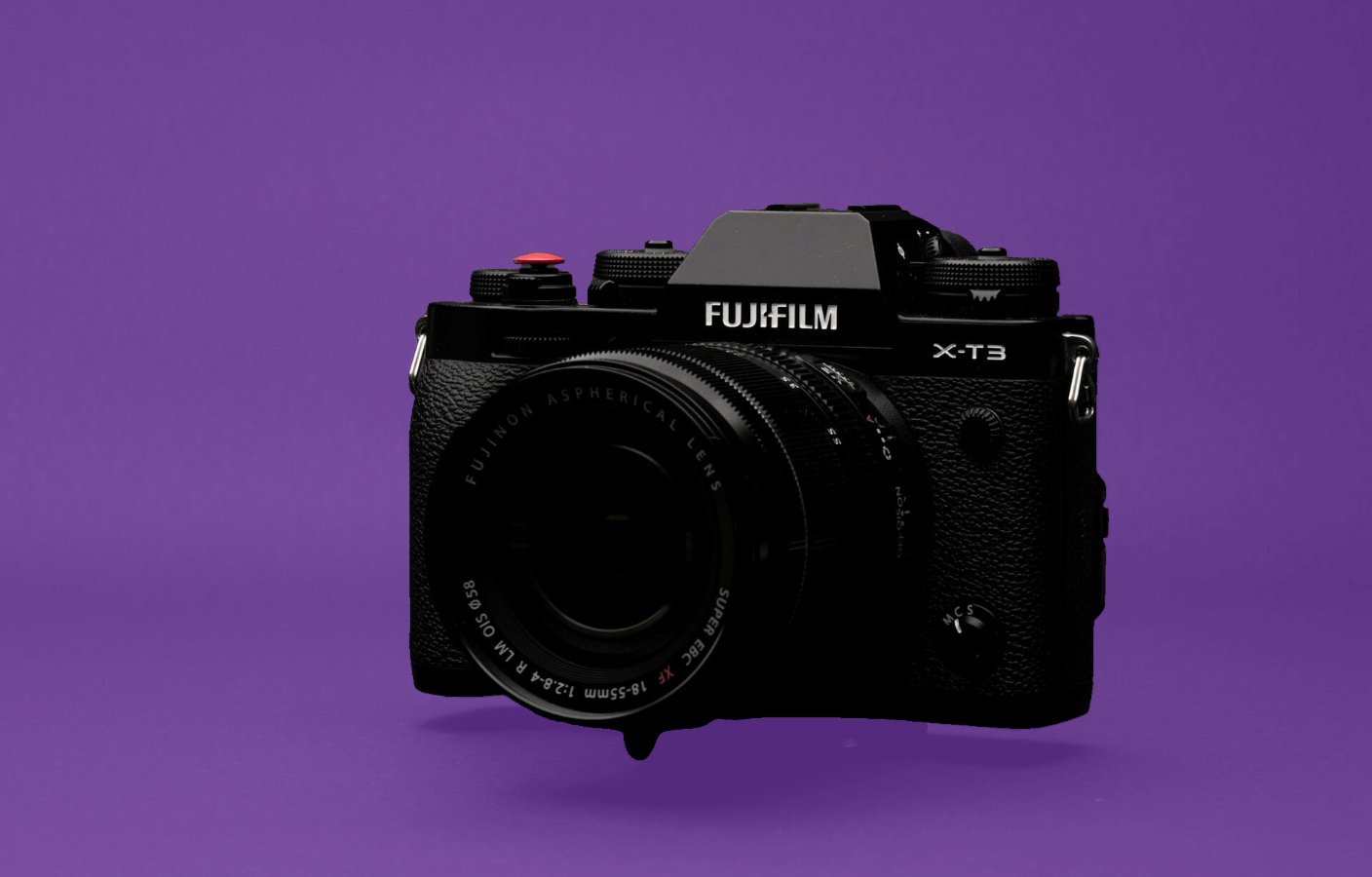
After Removebg removes a background, you can refine the result in the browser. The same editor works with cloud and on-device cutouts. A mask controls which parts of the original image remain visible.
Remove an area
Paint over areas that should be removed from the cutout. Adjust the brush size when working around broad regions or smaller details.
Restore an area
Enable the eraser and paint over the mask to restore part of the original image. Undo and redo controls let you review recent edits.
Move and inspect the canvas
Enable dragging to move around the canvas. Use the mouse wheel to zoom and show the original image when you need a comparison.
Save on your device
Select Save to apply your edits, then download the result as a PNG. Your edits are made in the browser. Download images you want to keep, since browser history is temporary.
- Authors

- Name
- Official
- Website
- Removebg